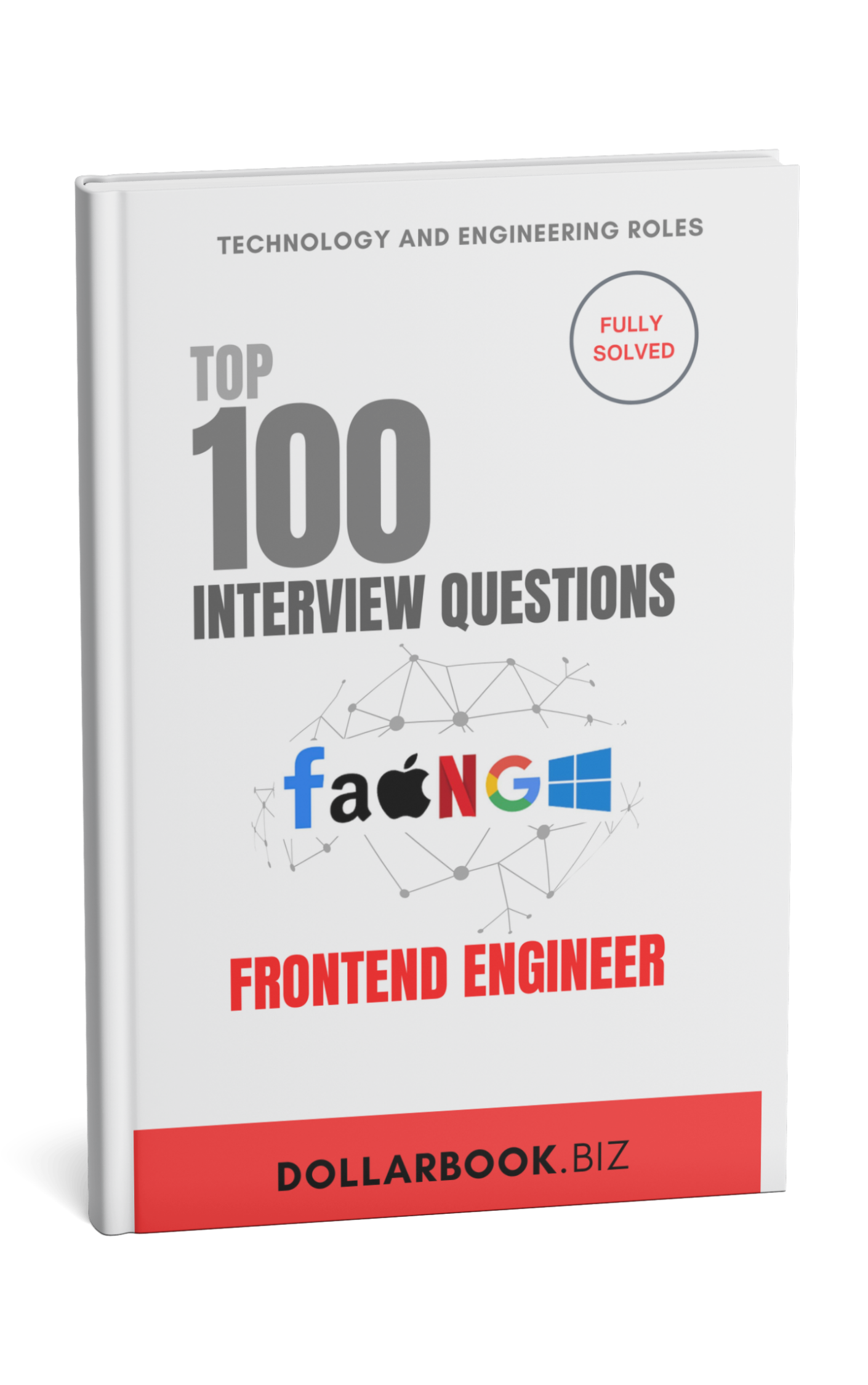
Frontend Engineer interview prep
Top 100 interview questions for Frontend Engineer — modeled on real FAANG loops.
Questions
100
Topics
10
Free to read now
10
What is the difference between block and inline elements?
Explanation:
Block and inline elements are two fundamental types of elements in HTML. Block elements take up the full width available and always start on a new line, whereas inline elements take up only as much width as necessary and do not start on a new line. Understanding the difference helps in controlling the layout and appearance of a webpage.
Key Talking Points:
- Block Elements:
- Occupy the full width of their parent container.
- Always start on a new line.
- Can contain other block and inline elements.
- Inline Elements:
- Occupy only the width required by their content.
- Do not start on a new line.
- Can only contain text or other inline elements.
NOTES:
Reference Table:
| Feature | Block Element | Inline Element |
|---|---|---|
| Width | Takes full width of the parent | Takes only as much width as needed |
| Line Break | Starts on a new line | Does not start on a new line |
| Containable Items | Can contain block and inline elements | Can contain only inline elements |
| Examples | <div>, <p>, <h1> | <span>, <a>, <strong> |
Follow-Up Questions and Answers:
-
Question: How can you make an inline element behave like a block element?
- Answer: You can use the CSS property
display: block;to make an inline element behave like a block element. This will allow it to take up the full width and start on a new line.
- Answer: You can use the CSS property
-
Question: What is the
display: inline-block;property, and how does it differ fromblockandinline?- Answer: The
display: inline-block;property allows an element to retain its inline characteristics while still allowing you to set width and height. Unlike block elements, inline-block elements do not start on a new line, and unlike inline elements, you can set explicit width and height.
- Answer: The
-
Question: Can you provide an example where using block elements would be more appropriate than inline elements?
- Answer: Block elements are more appropriate for structuring the main sections of a webpage, such as headers, footers, and article sections, because they naturally take up the full width and create a clear separation between different parts of the content.
HTML/CSS
10 questionsJavaScript
10 questionsReact
10 questionsFrameworks/Libraries
10 questionsWeb Performance
10 questionsSecurity
10 questionsTools/Build Systems
10 questionsTesting
10 questionsMiscellaneous
10 questionsBehavioral/Soft Skills
10 questionsWhat is in this role
| Topic | Questions | Free | Median length | Difficulty |
|---|---|---|---|---|
| HTML/CSS | 10 | 10 | 548 words | medium |
| JavaScript | 10 | 0 | 625 words | medium |
| React | 10 | 0 | 710 words | medium |
| Frameworks/Libraries | 10 | 0 | 724 words | medium |
| Web Performance | 10 | 0 | 570 words | medium |
| Security | 10 | 0 | 645 words | medium |
| Tools/Build Systems | 10 | 0 | 615 words | medium |
| Testing | 10 | 0 | 650 words | medium |
| Miscellaneous | 10 | 0 | 633 words | medium |
| Behavioral/Soft Skills | 10 | 0 | 570 words | medium |
What you get for your money
- ✓Every answer in one role, question by question.
- ✓The key points each answer is built from.
- ✓New questions added to that role, free.
90 answers, behind this unlock
HTML/CSS · JavaScript · React · Frameworks/Libraries · Web Performance · Security · Tools/Build Systems · Testing · Miscellaneous · Behavioral/Soft Skills
one-time · yours permanently
- The 10 preview questions and their full model answers.
- Your account, notes, highlights, streak and read progress.
- 3 AI grades a day.
- The daily challenge.